These documents will walk you through how to get started with Marty's inbuilt sensors and addons!
Nov 02 14:37
Tip: If you simply want to view Marty's accelerometer readings as a graph, you can use theSensor Dashboard....
Oct 14 18:40
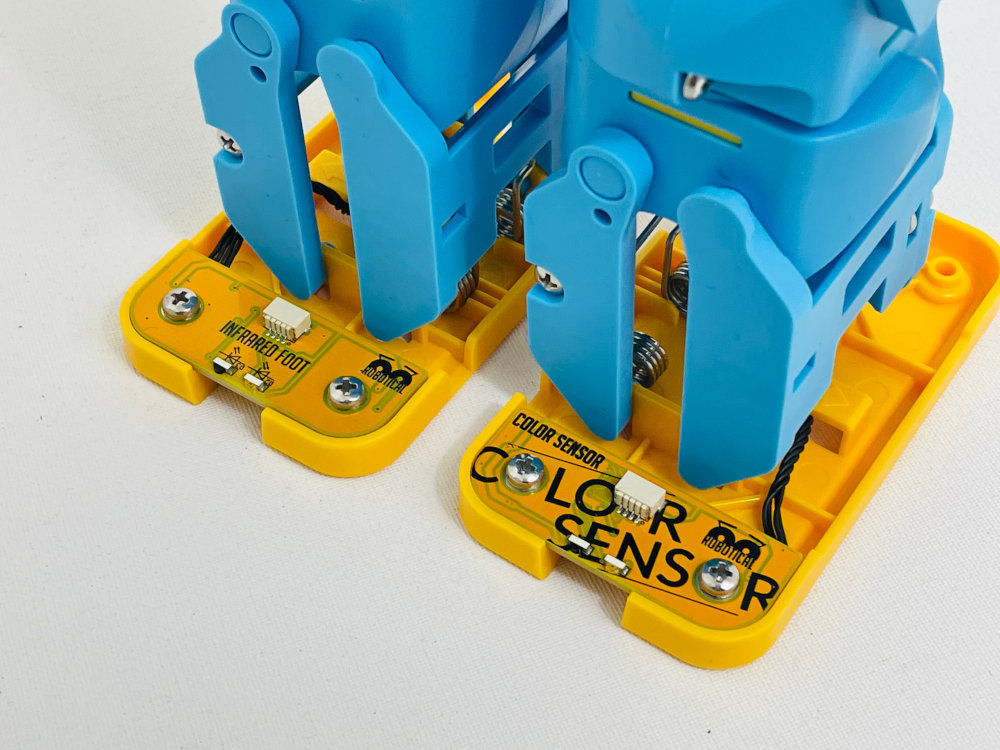
Marty V2 comes with one sensor attached to each foot, but each foot can hold a sensor at both the front...
Nov 03 12:20
with your color sensor. Tip: You can use theSensor Dashboard to view and graph readings from Marty's...
Oct 15 08:19
Every one of Marty's motors is a Smart Servo, which provides feedback its position and the electrical...
Oct 14 18:55
Fit and configure thedistance sensor add-on for yourMarty V2, then use it in Blocks. [Marty V2 distance...
Oct 14 13:04
Use this guide to configure yourMarty V2's infrared (IR) foot sensor and use its ground and obstacle...
Nov 05 10:11
The light sensor add-on can be used to measure overall light level nearby. The add-on is actually made...
Oct 15 06:10
The noise sensor add-on measures the overall noise level. It can detect loud sounds, such as a clap,...
Nov 05 12:21
Every one of Marty's motors is a Smart Servo. That means it can report back its position (in degrees)...