Fit and configure the distance sensor add-on for your Marty V2, then use it in Blocks.
Firmware requirement: this add-on requires version 0.0.124 or later. Use the Robotical app to check for available updates.
You will need:
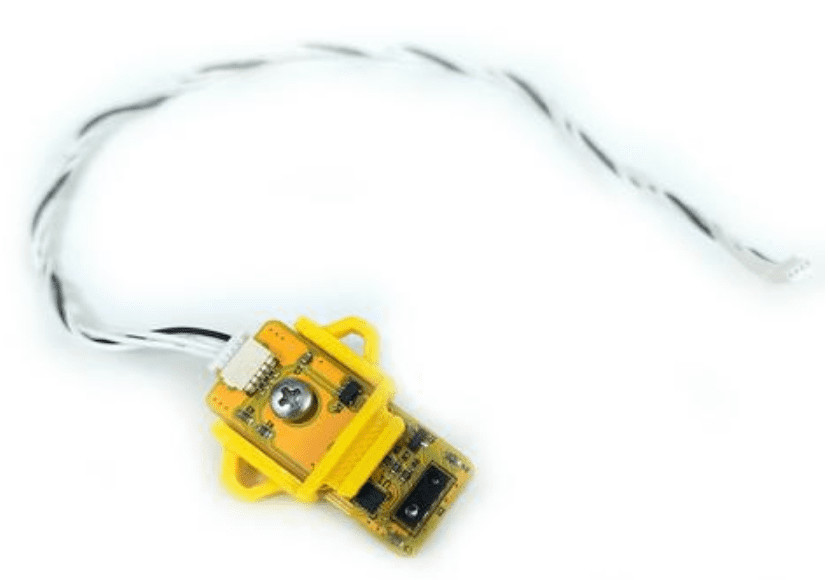
- A mounted distance sensor and its cable.
- A Marty V2.
Building and Attaching the Distance Sensor Chin Mount
Follow this video to build the chin mount and attach the sensor to Marty:
Building and Attaching the Distance Sensor Head Mount
Alternatively, follow this video to build and attach the head mount:
Configuring the Distance Sensor
Use the Robotical app to check that the sensor is connected and give it a recognisable name:
- Open the Robotical app and connect to Marty.
- Open Robot settings → Add-ons to reach Manage Add-ons.
- Find the connected distance sensor and select its row or gear icon to expand its details.
- Enter DistanceSensor in Name this add-on, then choose Update Name.
DistanceSensor uses capital D and S, with no space between the words. This is the recommended name used in this guide; current Blocks can identify the distance sensor without requiring that exact name.
Return to Home → Blocks to start programming with the sensor. See the Blocks guide if you need help getting started.