How to replace Marty's legs
How to replace Marty's legs after receiving a new pair of legs.
Unscrew the 2 screws in the bottom of Marty's head at the top of the legs

Slide the old leg off towards you, grip the head to make this easier. Then slide the new leg into position.
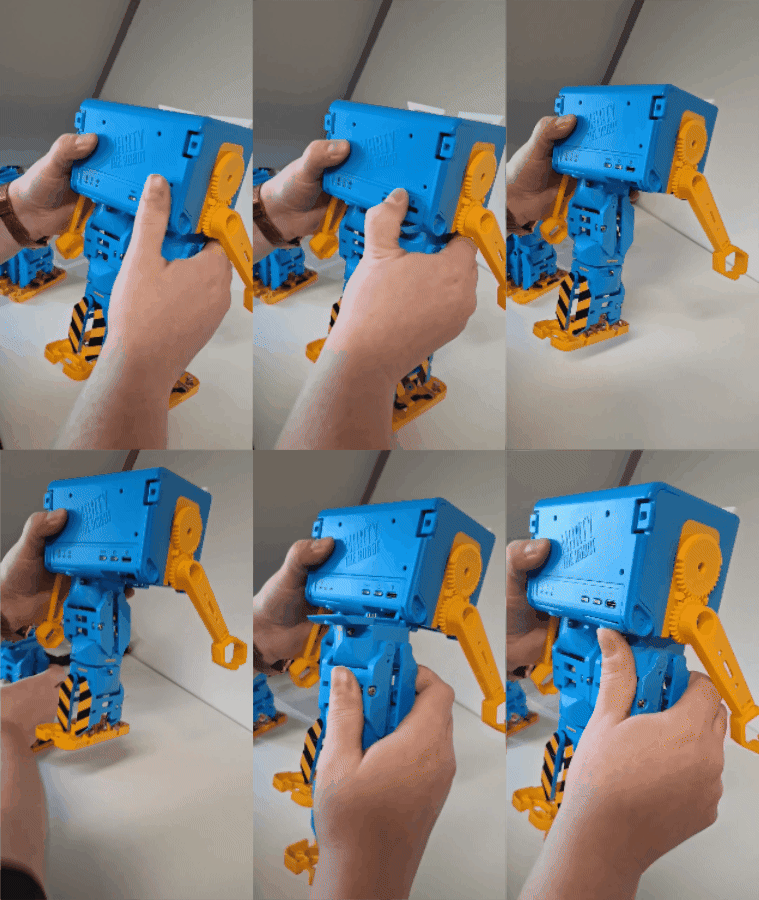
Repeat for both legs. Now you'll need to rename the sensors on your Marty so that the unplugged color sensing works properly. Connect your Marty in the app https://robotical.app/home
click on the configure button

then select “add ons”

you'll see 4 add-ons listed, click “restore add-on names”

You should now only see 2 add-ons listed and you're ready to start using your Mart again.
